Budget Airflow PC Cases: Montech AIR 903 MAX, Lian Li Lancool 207, Phanteks XT PRO Ultra and Corsair 3500X
Four affordable cases built around airflow, what sets each apart, and the compatibility details to check before you order.
Four affordable cases built around airflow, what sets each apart, and the compatibility details to check before you order.
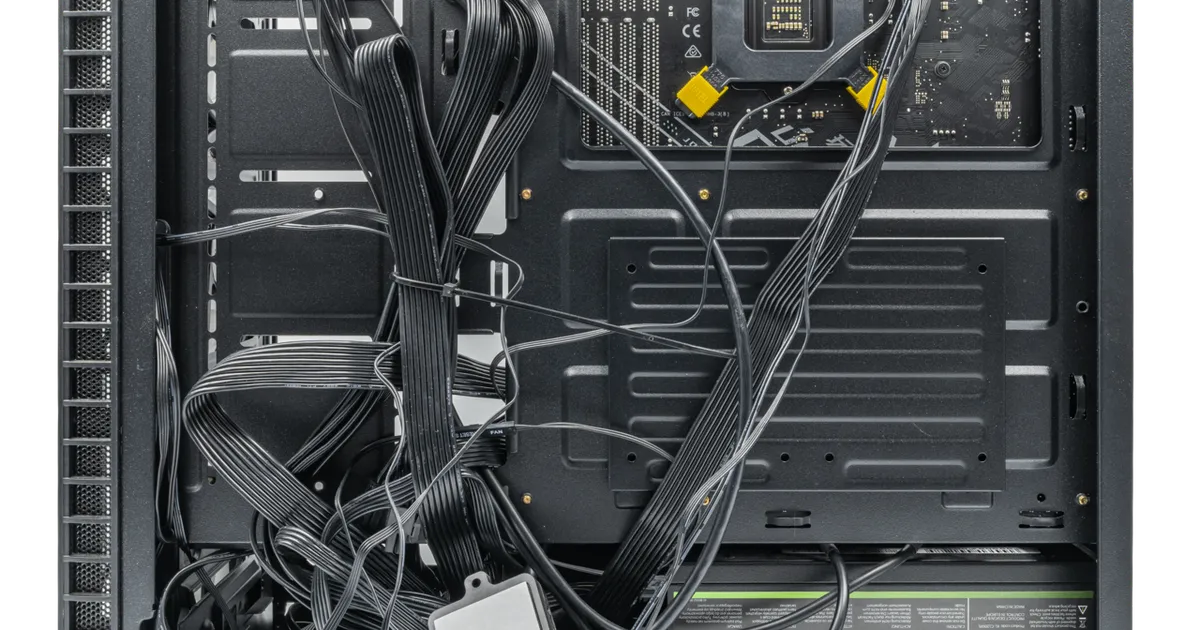
Photo by PantheraLeo1359531 / Wikimedia Commons / CC BY 4.0
Affiliate links.As an Amazon Associate I earn from qualifying purchases. Links below go to Amazon; prices and availability change, so check Amazon for current pricing.Affiliate disclosure
A good case doesn’t have to be expensive. Several affordable cases now come with mesh fronts and multiple fans pre-installed, which used to be premium features. These four are popular budget-friendly choices. Compare them by listed features and fit, then check build reviews for the details that matter to you.
Montech AIR 903 MAX
The Montech AIR 903 MAX is a mid-tower with a mesh front and large pre-installed fans. It is aimed at builders who want strong airflow out of the box without buying extra fans.
Lian Li Lancool 207
The Lian Li Lancool 207 has an unusual layout: the PSU sits at the front of the case, which leaves room for intake fans at the bottom of the case, blowing straight onto the GPU. It’s compact for an ATX case. Check its radiator and cooler support against your parts.
Phanteks XT PRO Ultra
The Phanteks XT PRO Ultra is a mesh mid-tower with room for large radiators and a clean interior. It’s a good fit if you might move to liquid cooling later.
Corsair 3500X
The Corsair 3500X is a dual-glass, panoramic-style case at a lower price than most showcase cases. It is sold in versions with and without pre-installed fans, so check the listing.
Compatibility checklist
- GPU length and, for tall cards, the width from the motherboard.
- CPU cooler height for air coolers.
- Radiator sizes and positions if you use an AIO.
- Motherboard size: ATX, micro-ATX or Mini-ITX. Some cases support rear-connector boards (hidden-cable motherboards); most don’t.
- Front-panel ports: USB-C on the front needs a matching header on your motherboard.
Bottom line
Choose the layout you like, then check your GPU length, cooler height and radiator plans against the case’s spec sheet. Any of these makes a good home for a mid-range build.
Our picks: PC cases
Shop on Amazon
Affiliate links.As an Amazon Associate I earn from qualifying purchases. Links below go to Amazon; prices and availability change, so check Amazon for current pricing.Affiliate disclosure
Illustrative photos: Photo by Paul Williams from the United Kingdom / Wikimedia Commons / CC BY 2.0; Photo by PantheraLeo1359531 / Wikimedia Commons / CC BY 4.0