Building a Gaming Setup on a Small Desk: Compact Cases, Compact Keyboards and Monitor Arms
How to fit a full gaming setup on a small desk with a small form factor PC, a compact keyboard, a monitor arm and under-desk storage.
Main page for gaming setups: Setup Inspiration →
How to fit a full gaming setup on a small desk with a small form factor PC, a compact keyboard, a monitor arm and under-desk storage.
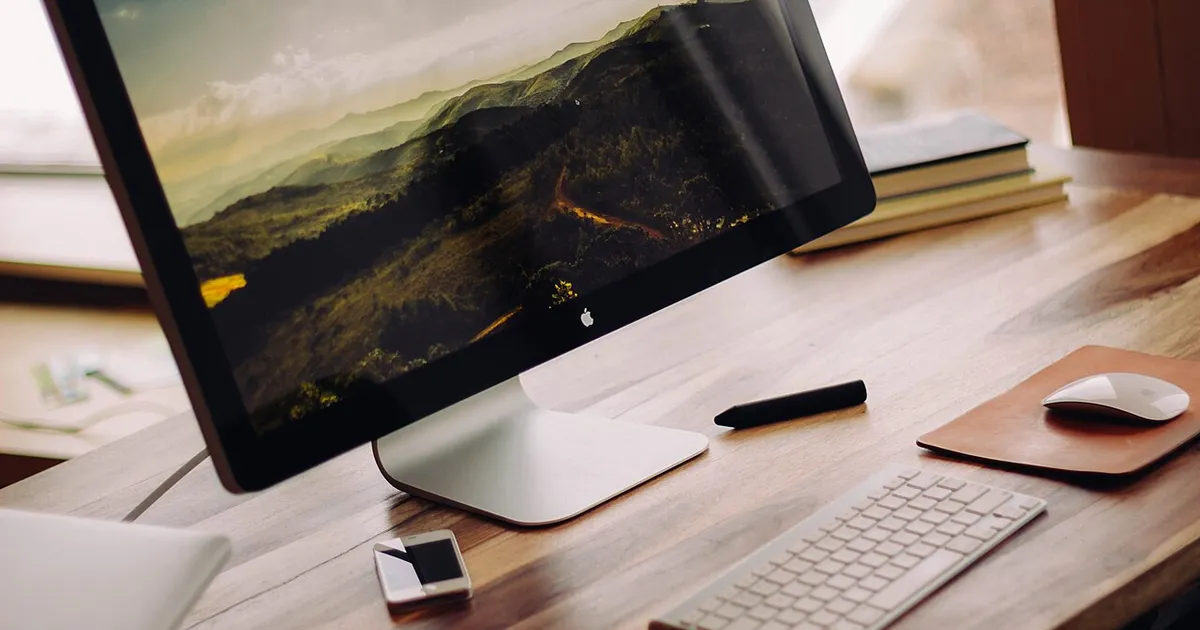
Photo by Luke Chesser / Wikimedia Commons / CC0
Affiliate links.As an Amazon Associate I earn from qualifying purchases. Links below go to Amazon; prices and availability change, so check Amazon for current pricing.Affiliate disclosure
A small desk doesn’t mean a compromised gaming setup. It means being deliberate about what goes on the desk and what goes under, behind or above it. These are the changes that free up the most space.
Get the PC off the desk, or make it smaller
A full tower on a small desk takes up space you’d otherwise use for your mouse. Either move it to the floor, on a stand that keeps it out of the dust, or switch to a small form factor case. The Fractal Design Terra is a compact Mini-ITX case that fits a full-size graphics card. Check its GPU and cooler clearance against your parts. Small cases need a Mini-ITX motherboard and often an SFX power supply.
Use a compact keyboard
A full-size keyboard is wider than many people need. A 75% layout such as the Keychron V1 keeps the function row and arrow keys but frees several inches for your mouse. A 60–65% board saves even more, at the cost of arrow keys or the function row.
Put the monitor on an arm
A monitor stand takes up a lot of desk depth. A monitor arm such as the Amazon Basics Premium Single Monitor Stand frees that space and lets you push the screen back. Check the arm’s weight range and that your monitor has VESA mounting holes.
Go vertical and under-desk
- An under desk cable management tray holds power strips and adapters off the floor.
- A headphone hook under desk keeps your headset off the desk.
- A desk shelf monitor riser adds a second level for speakers or a stream deck.
Use a large desk mat
It sounds counterintuitive, but a desk-wide mat makes a small desk feel more organized. It gives your keyboard and mouse a single surface and protects the desk.
Bottom line
Lift the monitor, shrink the keyboard and move the PC off the desk or into a smaller case. Those three changes free up the most space.
Our picks: Gaming desks & Gaming chairs
Shop on Amazon
Affiliate links.As an Amazon Associate I earn from qualifying purchases. Links below go to Amazon; prices and availability change, so check Amazon for current pricing.Affiliate disclosure

Illustrative photos: Photo by Ssamm T / Wikimedia Commons / CC BY-SA 4.0; Photo by Marchuk17 / Wikimedia Commons / CC BY-SA 4.0; Photo by Luke Chesser / Wikimedia Commons / CC0; Photo by Ndurliat / Wikimedia Commons / CC BY-SA 4.0