Signs Your PC Hardware Needs an Upgrade
How to tell whether your gaming PC actually needs new hardware or whether software tuning and maintenance can solve the problem first.
Main page for gaming pcs: Gaming PCs →
How to tell whether your gaming PC actually needs new hardware or whether software tuning and maintenance can solve the problem first.
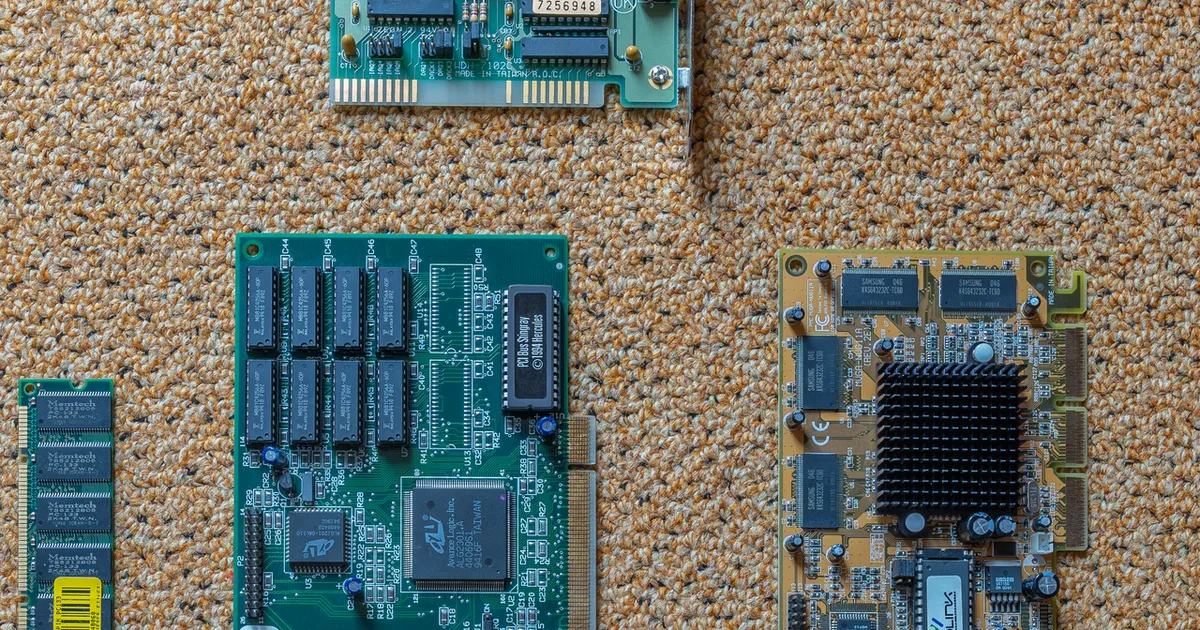
Photo by PantheraLeo1359531 / Wikimedia Commons / CC BY 4.0
Deciding whether to upgrade hardware or troubleshoot your current setup is one of the more confusing decisions in PC gaming, mostly because the symptoms of aging hardware and the symptoms of a misconfigured system look nearly identical from the outside. Both can produce stutters, long load times, or disappointing frame rates. Before spending money on new components, it’s worth working through a checklist that separates genuine hardware limitations from fixable software issues.
Rule Out Software Causes First
Before concluding hardware is the problem, confirm the basics: drivers are reasonably up to date, background applications aren’t consuming significant resources, storage isn’t nearly full, and the game or system hasn’t recently changed in a way that could explain new performance issues. A surprising number of “my PC can’t handle this anymore” situations trace back to accumulated background clutter or an outdated driver rather than the hardware itself reaching its limit. This step costs nothing but a little time and can save an unnecessary purchase.
Watch for Consistent, Reproducible Bottlenecks
A genuine hardware limitation tends to show up consistently and predictably — the same type of scene or workload causes the same drop every time, across different games or applications, not just once in a specific title after a single problematic update. If poor performance is isolated to one game right after a patch, that points toward a software or game-specific issue rather than a hardware ceiling. If you see the same kind of slowdown across multiple recent, demanding titles, that’s a stronger signal that a specific component is genuinely being asked to do more than it comfortably can.
Monitor Usage During Gameplay
Built-in or third-party monitoring tools that show CPU, GPU, and memory usage during gameplay can help identify which component is actually under the most strain. If one component consistently sits near its limit while others have headroom to spare, that component is the more likely candidate for a bottleneck. This kind of monitoring turns “my PC feels slow” into a more specific, actionable observation about which part of the system is actually struggling.
Consider Your Actual Usage, Not Just Age
Hardware doesn’t have a fixed expiration date — it becomes a limitation relative to what you’re asking it to do. A system that handled your games comfortably a year ago can start to struggle if you’ve since started running more demanding titles, streaming while gaming, or running additional background applications you didn’t have before. Before assuming a component itself has “worn out,” consider whether your actual usage has changed in ways that raise the bar it needs to clear.
When an Upgrade Genuinely Makes Sense
An upgrade is worth considering when you’ve ruled out software causes, identified a specific component that’s consistently maxed out across multiple demanding applications, and confirmed your usage pattern genuinely requires more than your current hardware can provide. At that point, upgrading the specific bottlenecked component — rather than replacing the whole system — is usually the more efficient path, since other components may still have plenty of useful life left.
A Quick Diagnostic Checklist
- Have you ruled out drivers, background processes, and storage space as causes?
- Does the issue show up consistently across multiple recent titles, not just one after a patch?
- Does resource monitoring point to one specific component being maxed out?
- Has your actual usage — the games or workloads you run — genuinely increased in demand?
- Would upgrading the specific bottlenecked component resolve the issue, or is it a broader system limitation?
Working through this checklist before buying anything new can save you from an unnecessary upgrade, and when an upgrade genuinely is the answer, it points you toward the specific component that will actually solve the problem instead of a broad, expensive guess.
Our picks: Graphics cards & Processors
Shop on Amazon
Affiliate links.As an Amazon Associate I earn from qualifying purchases. Links below go to Amazon; prices and availability change, so check Amazon for current pricing.Affiliate disclosure
NVIDIA GeForce RTX 5070 Ti
16GB card that handles high-refresh 1440p and entry 4K.
Check price on Amazon
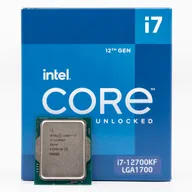
Illustrative photos: Photo by Timothy Borkowski / Wikimedia Commons / CC BY-SA 3.0; Photo by Myself User:ZyMOS / Wikimedia Commons / CC BY-SA 4.0; Photo by Advanced Micro Devices, Inc. (AMD) / Wikimedia Commons / Attribution; Photo by Jacek Halicki / Wikimedia Commons / CC BY-SA 4.0; Photo by Ondřej Martin Mach / Wikimedia Commons / CC BY-SA 3.0