Lightweight Wireless Gaming Mice: Logitech SUPERLIGHT 2 DEX, Pulsar X2 V2, Glorious Model O 2 and Razer DeathAdder V3 HyperSpeed
Four lightweight wireless mice for different hand sizes and grips, and how to choose by shape rather than by spec sheet.
Four lightweight wireless mice for different hand sizes and grips, and how to choose by shape rather than by spec sheet.
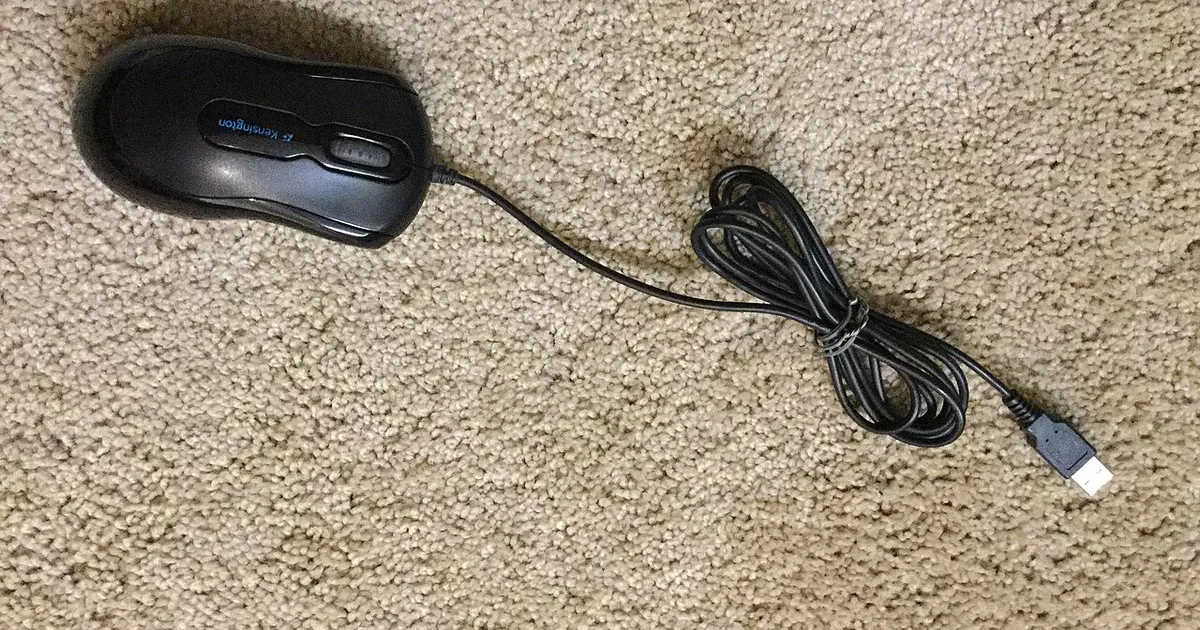
Photo by FASTILY / Wikimedia Commons / CC BY-SA 4.0
Affiliate links.As an Amazon Associate I earn from qualifying purchases. Links below go to Amazon; prices and availability change, so check Amazon for current pricing.Affiliate disclosure
Almost every modern gaming mouse sensor is accurate enough for competitive play. What really separates mice is shape, weight and the wireless connection. This guide covers four lightweight wireless mice with different shapes, so you can narrow down by how you hold a mouse. It compares listed features and isn’t a hands-on test.
Logitech G PRO X SUPERLIGHT 2 DEX
The Logitech G PRO X SUPERLIGHT 2 DEX takes the SUPERLIGHT line’s very light weight and pairs it with an ergonomic, right-handed shape. It suits palm and relaxed claw grips, for players who find symmetrical mice too flat.
Pulsar X2 V2
The Pulsar X2 V2 is a low, symmetrical mouse in the style of the original Zowie S-series shapes, sold in several sizes. Low mice like this suit claw and fingertip grips.
Glorious Model O 2 Wireless
The Glorious Model O 2 Wireless is a symmetrical, light mouse with a slightly taller hump than very low shapes. It is a good middle ground if you switch between grips.
Razer DeathAdder V3 HyperSpeed
The Razer DeathAdder V3 HyperSpeed brings the DeathAdder’s long-running ergonomic shape to a lower-priced wireless model than the Pro version. It is a reliable choice for larger hands and palm grips.
How to choose
- Measure your hand: from wrist crease to fingertip, and across the palm. Many mouse makers publish size guides by hand length.
- Know your grip: palm grips favor longer, ergonomic shapes; claw and fingertip grips favor shorter, lower ones.
- Ignore extreme DPI numbers: most players use 400–1600 DPI. Polling rates above 1000Hz can help on high-refresh monitors but use more CPU and battery.
- Check the feet and the dongle: good PTFE feet matter more than most specs. Keep the wireless receiver close to the mouse, using the extender cable if one is included.
Bottom line
Choose a shape that fits your hand and grip, then pick between brands on weight, battery life and software. A mouse that fits will help your aim more than any sensor upgrade.
Our picks: Mice
Shop on Amazon
Affiliate links.As an Amazon Associate I earn from qualifying purchases. Links below go to Amazon; prices and availability change, so check Amazon for current pricing.Affiliate disclosure
Illustrative photos: Photo by Jacek Halicki / Wikimedia Commons / CC BY-SA 4.0; Photo by FASTILY / Wikimedia Commons / CC BY-SA 4.0