Nintendo Switch 2 Accessories Worth Buying: Camera, Joy-Con 2 Charging Grip, Carrying Case and Storage
The Switch 2 accessories that solve real problems, from GameChat video and Joy-Con charging to protection on the go and expanding storage.
The Switch 2 accessories that solve real problems, from GameChat video and Joy-Con charging to protection on the go and expanding storage.
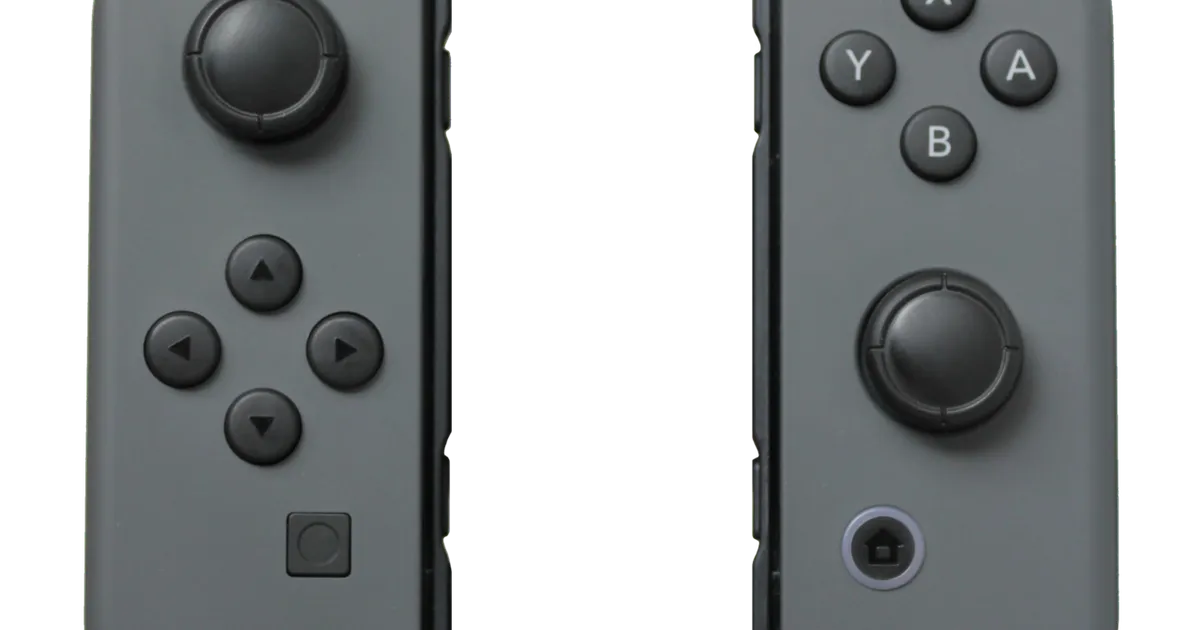
Photo by Owen1962 / Wikimedia Commons / Public domain
Affiliate links.As an Amazon Associate I earn from qualifying purchases. Links below go to Amazon; prices and availability change, so check Amazon for current pricing.Affiliate disclosure
The Nintendo Switch 2 works well out of the box, but a few accessories solve problems most owners run into: running out of storage, charging Joy-Con, and protecting the console in a bag. This guide covers the official and third-party accessories that are worth considering.
Nintendo Switch 2 Camera
The Nintendo Switch 2 Camera adds video to GameChat, Nintendo’s built-in chat feature, and works in games that support camera features. It is only worth buying if you plan to use GameChat with video or play games that use it. Switch 2 also supports some USB-C webcams, so check compatibility if you already own one.
Joy-Con 2 Charging Grip
The Joy-Con 2 Charging Grip holds both Joy-Con 2 controllers like a traditional controller and charges them while you play docked. The standard grip in the box doesn’t charge, so this is a useful upgrade if you play docked with Joy-Con for long sessions.
Nintendo Switch 2 All-in-One Carrying Case
The Nintendo Switch 2 All-in-One Carrying Case stores the console along with its accessories, which is handy for travel. If you only carry the console, a slimmer third-party case with a hard shell protects it in a bag while taking up less space.
Storage: microSD Express only
Switch 2 game installs can be large, and the internal storage fills up quickly. Switch 2 only accepts microSD Express cards for game storage. Older microSD cards from the original Switch can be used to copy screenshots and videos, but not to play Switch 2 games from. Look for cards clearly marked microSD Express, such as the SanDisk microSD Express card for Nintendo Switch 2.
Controllers
The Nintendo Switch 2 Pro Controller is the most comfortable option for long docked sessions. Original Switch Pro Controllers and Joy-Con also work with Switch 2 games, though some newer features, such as the Joy-Con 2 mouse controls, need the new controllers.
Bottom line
Start with storage: a microSD Express card is the accessory most owners end up needing. Add a case if you travel, and a charging grip or Pro Controller if you mostly play docked.
Our picks: Nintendo
Shop on Amazon
Affiliate links.As an Amazon Associate I earn from qualifying purchases. Links below go to Amazon; prices and availability change, so check Amazon for current pricing.Affiliate disclosure
SanDisk microSD Express card for Nintendo Switch 2
Switch 2 needs microSD Express cards for extra storage.
Check price on Amazon
Illustrative photos: Photo by Evan-Amos / Wikimedia Commons / Public domain; Photo by Owen1962 / Wikimedia Commons / Public domain