Signs Your PC Might Be Bottlenecked (and What to Check)
Low usage percentages, inconsistent frame pacing, stutter that does not match your FPS counter — a guide to reading the practical signals of a bottleneck without needing exact benchmark numbers.
Main page for cpus: CPUs →
Low usage percentages, inconsistent frame pacing, stutter that does not match your FPS counter — a guide to reading the practical signals of a bottleneck without needing exact benchmark numbers.
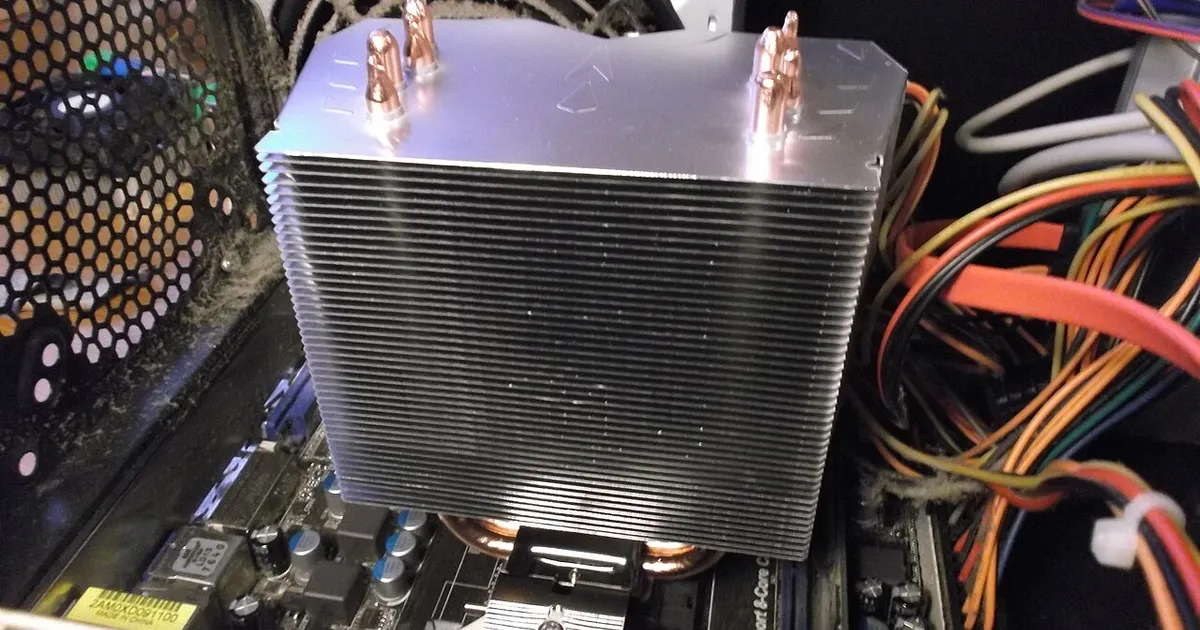
Photo by Blackcat / Wikimedia Commons / CC BY-SA 4.0
Once you understand what a bottleneck conceptually is, the next useful skill is recognizing the practical signs of one in your own system. You don’t need precise benchmark figures to get a reasonable read — a handful of observable signals point you toward which part of your system is holding the rest back.
Watch usage patterns, not just frame rate
Most performance monitoring tools can show how busy your CPU and GPU are while a game runs. As a general pattern, if your GPU usage sits consistently near its ceiling while your CPU has headroom to spare, that leans toward a GPU-side limitation — the graphics card is the one struggling to keep up. If it’s the reverse, with the CPU pegged and the GPU visibly not fully loaded, that leans toward a CPU-side limitation. Neither reading is exact science, since usage percentages don’t capture everything happening internally, but the pattern over time is a genuinely useful signal.
Notice how changing settings changes performance
One of the clearest diagnostic tools you already have is your own settings menu. If lowering resolution or turning down GPU-heavy settings like shadows and effects barely moves your frame rate, that’s a sign the GPU wasn’t your limiting factor to begin with — something else, likely the CPU, was capping performance regardless. If those same changes produce a big frame rate jump, the GPU was more clearly the constraint. This kind of before-and-after comparison, using your own system, tells you more than a generic spec comparison ever could.
Stutter and inconsistency can point to different causes than low averages
A system that reports a reasonable average frame rate but still feels rough to play is often showing a different kind of bottleneck than raw compute limitation — background processes competing for CPU time, storage struggling to load assets quickly enough, or memory being tight enough to force swapping. These issues don’t always show up as “low FPS” in the way people expect; they show up as momentary hitches or inconsistency that a simple average doesn’t capture. If your numbers look fine but the experience doesn’t match, it’s worth looking beyond CPU and GPU load alone.
Compare behavior across different games
Because different games place different demands on CPU versus GPU, testing your intuition across more than one game is more informative than judging from a single title. If a system struggles specifically in games known for heavy simulation or many active characters, but performs comfortably in visually similar but less simulation-heavy games, that pattern points toward a CPU-side limitation rather than a general hardware weakness. Consistent underperformance across everything, regardless of genre, points more toward a broader system issue than a specific component bottleneck.
Don’t rule out non-hardware causes too quickly
Not every performance problem is a hardware bottleneck in the CPU/GPU sense. Background software, insufficient free storage space, outdated drivers, thermal throttling from inadequate cooling, or even power settings limiting a component’s performance can all produce symptoms that look like a hardware bottleneck but aren’t. It’s worth ruling these out before assuming the fix is a hardware upgrade, since they cost nothing to check and can meaningfully change what you’d otherwise misdiagnose as a components problem.
Putting it together
None of these signals alone gives you a definitive answer, but together — usage patterns, how performance responds to settings changes, whether issues are consistent or intermittent, and how behavior varies across different games — they build a reasonably confident picture of where your system’s limiting factor actually sits, without needing to guess from specs alone.
Our picks: Processors & Graphics cards
Shop on Amazon
Affiliate links.As an Amazon Associate I earn from qualifying purchases. Links below go to Amazon; prices and availability change, so check Amazon for current pricing.Affiliate disclosure
NVIDIA GeForce RTX 5070 Ti
16GB card that handles high-refresh 1440p and entry 4K.
Check price on Amazon
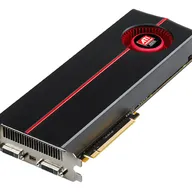
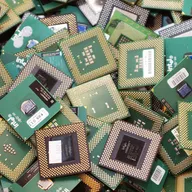
Illustrative photos: Photo by Myself User:ZyMOS / Wikimedia Commons / CC BY-SA 4.0; Photo by Timothy Borkowski / Wikimedia Commons / CC BY-SA 3.0; Photo by Jacek Halicki / Wikimedia Commons / CC BY-SA 4.0; Photo by Advanced Micro Devices, Inc. (AMD) / Wikimedia Commons / Attribution; Photo by Ondřej Martin Mach / Wikimedia Commons / CC BY-SA 3.0