How to Read OLED Monitor Reviews: Burn-In, Brightness, Text Clarity and Warranty
What OLED monitor reviews measure, which numbers matter for gaming, and how to apply them to models like the Alienware AW2725Q, LG 32GS95UE and Samsung Odyssey OLED G8.
Main page for monitors: Gaming Monitors →
What OLED monitor reviews measure, which numbers matter for gaming, and how to apply them to models like the Alienware AW2725Q, LG 32GS95UE and Samsung Odyssey OLED G8.
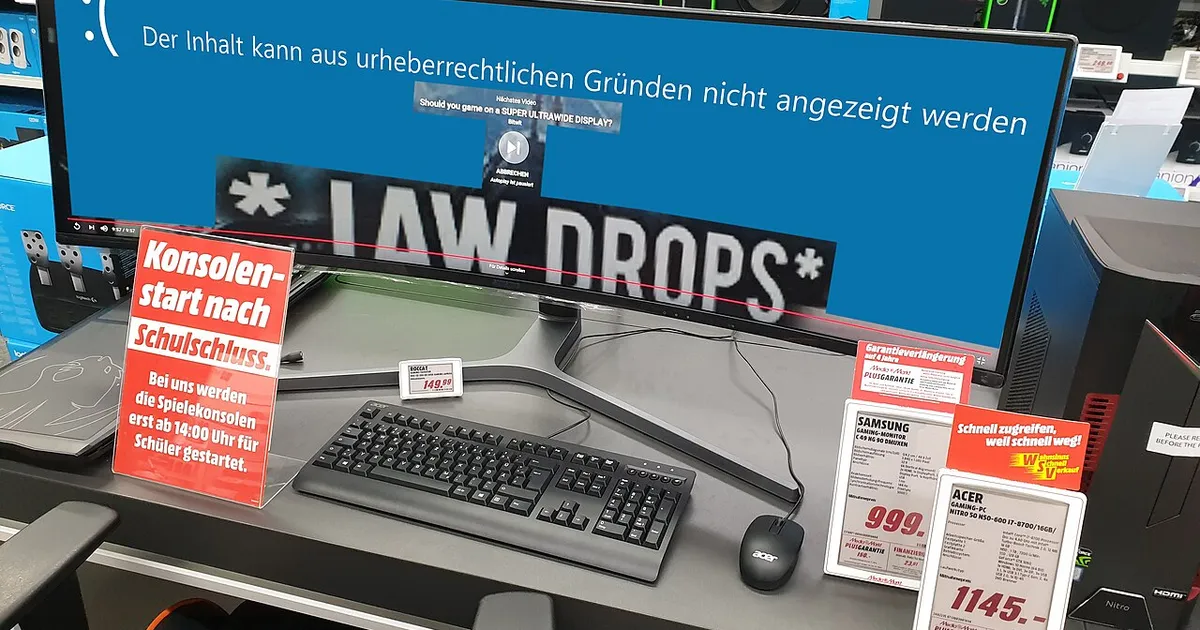
Photo by PantheraLeo1359531 / Wikimedia Commons / CC BY 4.0
Affiliate links.As an Amazon Associate I earn from qualifying purchases. Links below go to Amazon; prices and availability change, so check Amazon for current pricing.Affiliate disclosure
OLED monitor reviews are full of measurements that don’t appear on LCD reviews: full-field brightness, subpixel layouts, burn-in tests. This guide explains what the key measurements mean, so you can compare reviews of OLED models such as the Alienware AW2725Q, the LG UltraGear 32GS95UE and the Samsung Odyssey OLED G8.
Brightness: window size matters
OLED brightness depends on how much of the screen is bright. Reviews usually measure several window sizes: a small window (such as 2% or 10% of the screen) and a full white screen (100%).
- Small-window brightness affects HDR highlights, like explosions and sun reflections.
- Full-screen brightness affects bright scenes, snow levels and white web pages. OLEDs are much dimmer here than on small highlights.
Check whether the review measured in the monitor’s HDR mode and its SDR mode, and which brightness setting was used.
Text clarity: subpixel layout
OLED panels use subpixel layouts that differ from LCDs: WOLED panels (LG) and QD-OLED panels (Samsung Display) each have their own. Some people notice color fringing on text. Reviews often include close-up photos. Higher resolution (4K at 27 or 32 inches) reduces the effect a lot.
Burn-in: what reviews can and can’t tell you
Short reviews can’t tell you how a monitor will hold up over years. Long-term tests that run static content for months are more useful, though they reflect a heavier workload than most people’s. What matters most in practice:
- Panel-care features: pixel shifting and refresh cycles.
- The burn-in warranty: check whether the warranty explicitly covers burn-in, and for how long. This varies by brand and region.
Motion and response time
OLED pixel response is near-instant, so reviews usually show very clean motion. At the same refresh rate, OLEDs generally look clearer in motion than LCDs, which is why reviewers compare them against faster-refreshing LCDs.
Coating and room light
Glossy screens look punchier but reflect lamps and windows; matte coatings diffuse reflections but can look slightly grainy. QD-OLED panels can show lifted blacks in bright rooms. Think about your own room lighting when you read about either.
Bottom line
Look for full-screen and small-window brightness, close-up text photos and the burn-in warranty. Those tell you more about daily use than a single peak-brightness number.
Our picks: Gaming monitors & OLED monitors
Shop on Amazon
Affiliate links.As an Amazon Associate I earn from qualifying purchases. Links below go to Amazon; prices and availability change, so check Amazon for current pricing.Affiliate disclosure
ASUS TUF Gaming VG27AQ
Popular 1440p high-refresh monitor that rarely disappoints.
Check price on Amazon

Illustrative photos: Photo by Lennybird / Wikimedia Commons / CC BY-SA 3.0; Photo by Badpeon / Wikimedia Commons / Public domain; Photo by PantheraLeo1359531 / Wikimedia Commons / CC BY 4.0; Photo by Terabass / Wikimedia Commons / CC BY-SA 3.0