How Much Storage Do You Need for a Gaming PC?
Game install sizes keep climbing, and running low on drive space causes its own set of headaches. Here is how to size storage sensibly instead of guessing.
Game install sizes keep climbing, and running low on drive space causes its own set of headaches. Here is how to size storage sensibly instead of guessing.
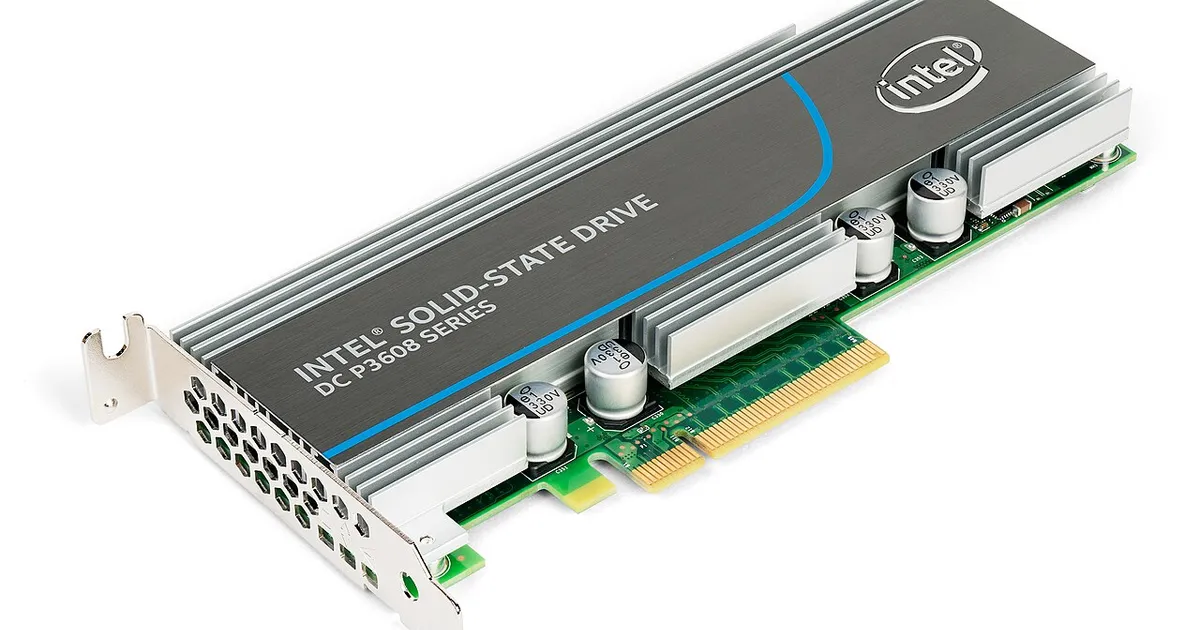
Photo by Dmitry Nosachev / Wikimedia Commons / CC BY-SA 4.0
Storage is one of the easier build decisions to get wrong in a quiet, creeping way — not because any single drive is a bad choice, but because game install sizes have grown substantially over time, and a capacity that feels generous on day one can feel tight within a year or two of normal use.
Why game sizes keep growing
Higher-resolution textures, more detailed audio, and larger game worlds all add up, and many modern titles now measure their install size in the tens of gigabytes at minimum, with some considerably larger. Games also frequently grow after release through updates, added content, and patches that don’t always shrink the overall footprint even when they replace old files. Planning storage capacity around today’s typical game sizes without any buffer is a common way to end up needing an upgrade sooner than expected.
Sizing your OS/primary drive
Your primary drive needs to hold the operating system, drivers, essential applications, and ideally your most-played games for the fastest load times. A small drive fills up faster than people expect once you account for OS and application overhead on top of games — it’s worth erring toward more capacity here than the bare minimum estimate suggests, since running a boot drive near full capacity can also cause its own performance issues, independent of game count.
Single drive vs. multiple drives
There are two common approaches to gaming PC storage:
- One large primary drive. Simpler to manage, and if it’s NVMe, everything benefits from the faster loading. The main risk is needing to expand later, which can mean a larger, more disruptive replacement rather than a simple addition.
- A smaller, fast primary drive plus a larger secondary drive. The OS and most-played games live on the fast primary drive, while a larger secondary drive — potentially a more cost-effective SATA SSD — holds your broader game library. This approach scales more gracefully, since you can add additional secondary drives later without touching your OS installation, but it does require you to be somewhat deliberate about which games live where.
Neither approach is wrong; the multiple-drive approach tends to age better for players with large, growing libraries, while a single large drive is simpler for players who keep a smaller number of games installed at once.
Managing storage once you own the system
A few habits keep storage from becoming a recurring headache after the build is done:
- Uninstall games you’ve finished or aren’t actively playing, rather than letting a long tail of unused installs accumulate.
- Check for oversized cache or capture folders from recording or streaming software, which can quietly consume significant space over time.
- Leave some free space as a buffer, particularly on your primary drive — SSDs generally perform best and last longest when not run consistently near full capacity.
A practical way to plan capacity
Rather than sizing storage around your current game library alone, add a meaningful buffer for growth — new games, updates to existing ones, and the general upward trend in install sizes. If budget is the constraint, prioritize getting a reasonably sized primary drive right the first time and plan to add a second, larger drive later, rather than starting with a single drive sized so tightly that you’re forced into a disruptive full replacement within the first year or two of ownership.