Screen-Sync Backlights: Govee DreamView and the Philips Hue Play HDMI Sync Box
How backlights that match on-screen colors work for monitors and TVs, the difference between camera-based and HDMI-based syncing, and what to check.
Main page for lighting: Gaming Lights →
How backlights that match on-screen colors work for monitors and TVs, the difference between camera-based and HDMI-based syncing, and what to check.
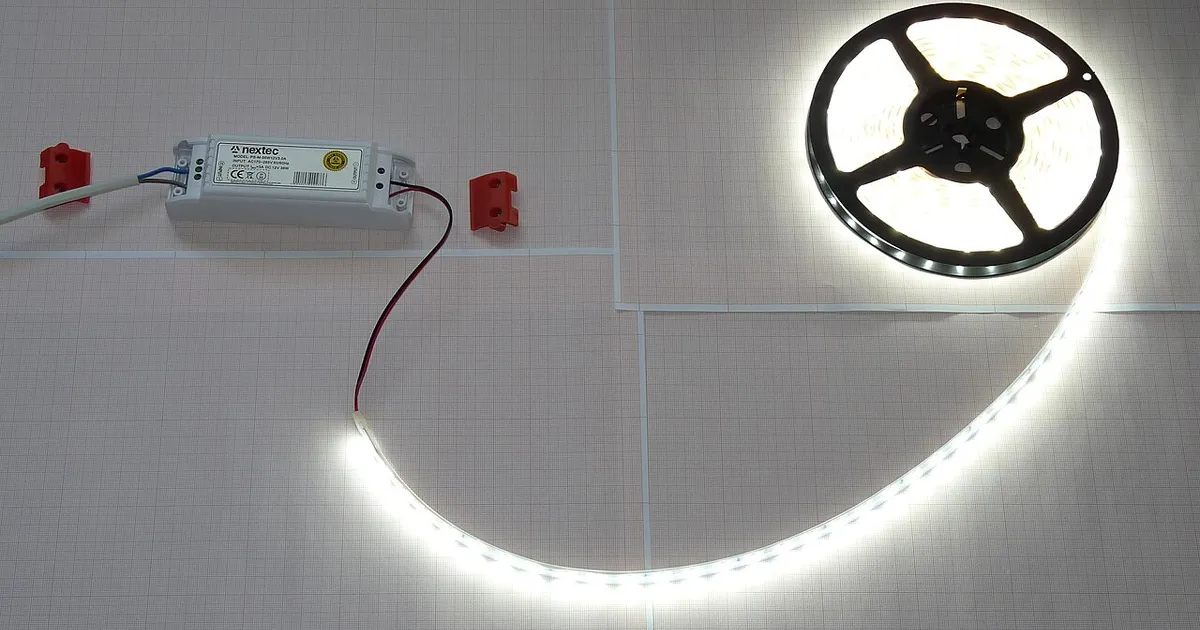
Photo by Dmitry G / Wikimedia Commons / CC BY-SA 3.0
Affiliate links.As an Amazon Associate I earn from qualifying purchases. Links below go to Amazon; prices and availability change, so check Amazon for current pricing.Affiliate disclosure
Screen-sync backlights extend the colors on your screen onto the wall behind it, making games and films feel bigger. There are two main ways to do it.
Camera-based sync
A small camera watches the screen and matches the lights to the colors it sees. The Govee Envisual TV backlight T2 works this way. It works with any source, including consoles, but the camera must be positioned carefully, and accuracy depends on room lighting.
HDMI-based sync
An HDMI box sits between your source and the TV, reading the video signal directly. The Philips Hue Play HDMI Sync Box works this way with Hue lights. It’s more accurate, but check that it supports the HDMI features you need, such as 4K at 120Hz or VRR, for your setup.
PC software sync
On a PC monitor, software can read the screen directly. The Govee DreamView G1 Pro uses a PC app for monitor backlighting.
What to check
- Screen size: kits are sized for specific screen ranges.
- Source compatibility: HDMI boxes may limit refresh rates or HDR formats.
- Ecosystem: Hue boxes need Hue lights and a Bridge; Govee kits use Govee’s app.
Bottom line
For a PC monitor, software sync is simplest. For a TV with consoles, choose camera-based for flexibility or HDMI-based for accuracy.
Our picks: Lighting
Shop on Amazon
Affiliate links.As an Amazon Associate I earn from qualifying purchases. Links below go to Amazon; prices and availability change, so check Amazon for current pricing.Affiliate disclosure

Illustrative photos: Photo by Dmitry G / Wikimedia Commons / CC BY-SA 3.0; Photo by Raimond Spekking / Wikimedia Commons / CC BY-SA 4.0