Smart Bulbs for Gaming Rooms: Philips Hue, Govee, Nanoleaf and WiZ
How smart bulbs change the mood of a gaming room, which ones can sync with games, and what to check for hubs, apps and compatibility.
How smart bulbs change the mood of a gaming room, which ones can sync with games, and what to check for hubs, apps and compatibility.
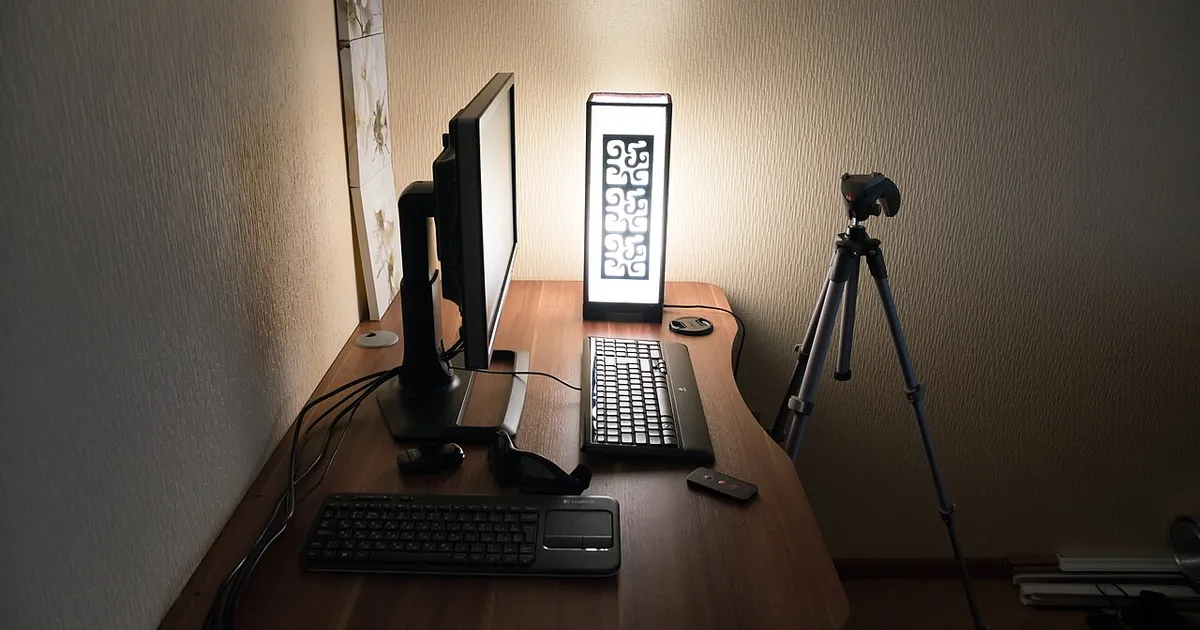
Photo by Vyacheslav Argenberg / Wikimedia Commons / CC BY 4.0
Affiliate links.As an Amazon Associate I earn from qualifying purchases. Links below go to Amazon; prices and availability change, so check Amazon for current pricing.Affiliate disclosure
Smart bulbs let you change a room’s color and brightness from your phone, voice assistant or PC. In a gaming room, they set the mood and reduce the harsh contrast between a bright screen and a dark room.
Options
- Philips Hue White and Color Ambiance: a large ecosystem with game and screen syncing through Hue apps and accessories. A Hue Bridge unlocks the full feature set.
- Govee smart bulbs: affordable Wi-Fi bulbs with music and scene modes.
- Nanoleaf Essentials smart bulb: works with Matter and Thread.
- WiZ smart bulb: affordable Wi-Fi bulbs.
Hubs and compatibility
- Wi-Fi bulbs connect directly to your router, with no hub needed.
- Zigbee or Thread bulbs need a hub or a compatible smart speaker or router. They’re usually more reliable with many bulbs.
- Matter support lets bulbs work across Apple, Google, Amazon and other platforms.
Gaming tips
- Use warm, dim light behind or beside the monitor, not in front of you, to avoid screen glare.
- Set up scenes for gaming, movies and work.
- Some ecosystems let lights react to on-screen colors. Check the app and requirements.
Bottom line
Smart bulbs are an easy way to make a gaming room more comfortable. Choose by ecosystem first, then by features.
Our picks: Lighting
Shop on Amazon
Affiliate links.As an Amazon Associate I earn from qualifying purchases. Links below go to Amazon; prices and availability change, so check Amazon for current pricing.Affiliate disclosure


Illustrative photos: Photo by Dmitry G / Wikimedia Commons / CC BY-SA 3.0; Photo by Raimond Spekking / Wikimedia Commons / CC BY-SA 4.0