Desk Mat vs Mouse Pad: Do You Need Both?
The functional differences between desk mats and traditional mouse pads, and whether your setup actually benefits from using one, the other, or both.
The functional differences between desk mats and traditional mouse pads, and whether your setup actually benefits from using one, the other, or both.
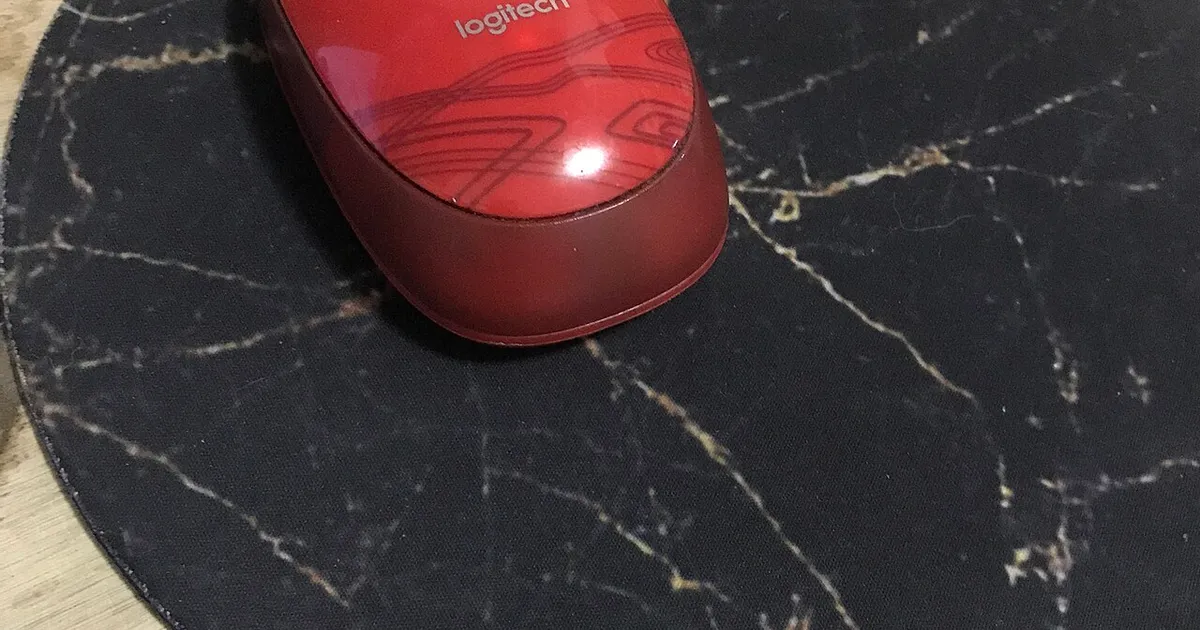
Photo by mycurrency.com / Wikimedia Commons / CC BY-SA 4.0
Desk mats and mouse pads look similar at a glance and get used somewhat interchangeably in casual conversation, but they’re designed to solve different problems. Understanding the distinction helps you decide whether you actually need one, the other, or both layered together.
What a Mouse Pad Is Optimized For
A traditional mouse pad is a small, purpose-built surface sized specifically for mouse movement, engineered around consistent glide, tracking accuracy, and sensor compatibility. Competitive and precision-focused mouse pads are often tuned for a specific balance of speed and control, with surface textures designed and tested specifically for optical or laser sensor tracking accuracy.
The trade-off is scope — a mouse pad covers only the mouse’s movement area, leaving the rest of the desk (including your keyboard) sitting directly on the bare desk surface.
What a Desk Mat Is Optimized For
A desk mat is a much larger surface, typically covering the keyboard and mouse area together, or in some cases the entire desk. Desk mats prioritize a unified look and comfortable surface for typing and mousing together, along with desk protection from scratches, spills, and wear.
Because desk mats cover a larger, less specialized area, their surface texture is generally less finely tuned for competitive-grade mouse tracking than a dedicated gaming mouse pad — though the gap has narrowed significantly, and many quality desk mats now perform very well for everyday and even fairly competitive use.
Do You Need Both?
For most people, a good desk mat alone covers the job — it provides a comfortable, consistent surface for both keyboard and mouse, protects the desk, and unifies the setup’s look. This is the simpler, more common setup and works well for casual to moderately competitive play.
Layering a dedicated mouse pad on top of a desk mat makes sense specifically if:
- You play competitively and want a surface texture and tracking performance fine-tuned specifically for your mouse sensor and play style.
- You prefer a firmer, faster, or more control-oriented surface directly under the mouse that differs from your desk mat’s general-purpose texture.
- You want the desk mat’s unified look and protection for the rest of the desk while still isolating mouse performance to a purpose-built pad.
The Downsides of Layering
Stacking a mouse pad on top of a desk mat does add a small height difference between where your mouse sits and where your keyboard sits, which some people notice and others don’t. It’s also simply more surfaces to keep clean and maintain. If tracking performance on your desk mat’s own surface feels fine for your use case, there’s no functional need to add a separate pad.
A Simple Way to Decide
- Casual to moderate gaming, want a clean unified desk look: a quality desk mat alone is enough.
- Competitive gaming with specific sensitivity/tracking preferences: consider layering a dedicated mouse pad for the mouse area, on top of or instead of a full desk mat.
- Primarily typing/productivity with occasional gaming: a desk mat alone, prioritizing typing comfort and desk protection over mouse-specific tuning.
Neither option is strictly better — they’re built for different priorities, and the right setup depends on how much your mouse performance specifically depends on surface tuning versus how much you value a single unified surface across your whole desk.
Our picks: Mouse pads & desk mats
Shop on Amazon
Affiliate links.As an Amazon Associate I earn from qualifying purchases. Links below go to Amazon; prices and availability change, so check Amazon for current pricing.Affiliate disclosure

Illustrative photos: Photo by mycurrency.com / Wikimedia Commons / CC BY-SA 4.0; Photo by Jacek Halicki / Wikimedia Commons / CC BY-SA 4.0