Do You Need an Extended Mouse Pad? A Buyer's Guide
Weighing the pros and cons of extended (full-desk) mouse pads versus standard-size pads, and how to decide which fits your desk and gear.
Weighing the pros and cons of extended (full-desk) mouse pads versus standard-size pads, and how to decide which fits your desk and gear.
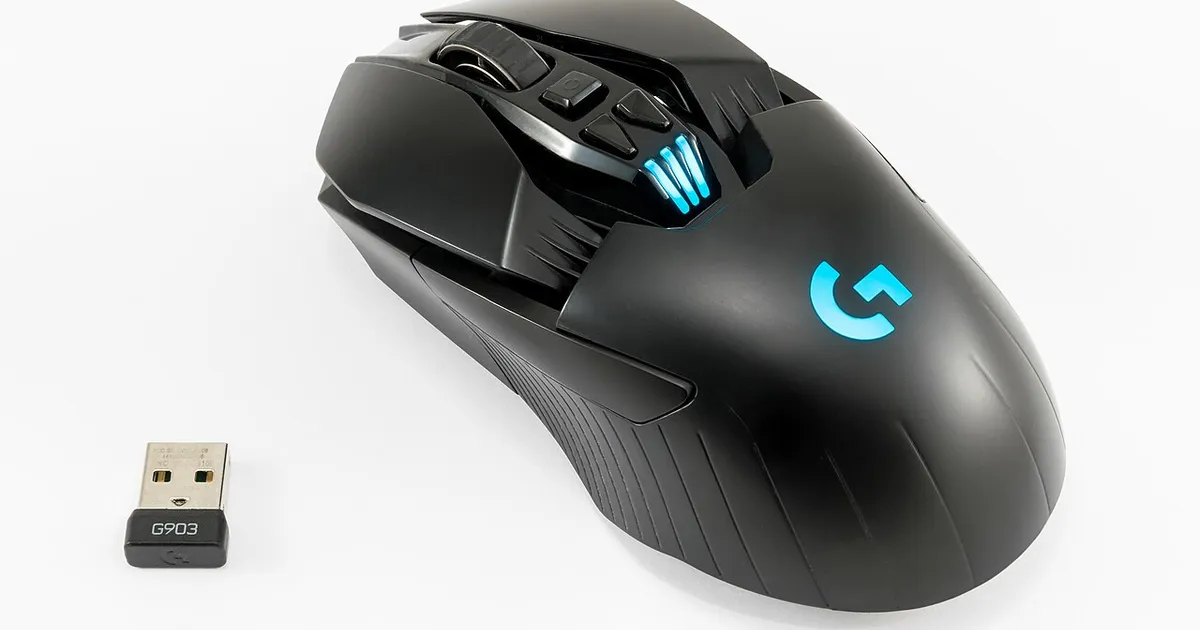
Photo by Jacek Halicki / Wikimedia Commons / CC BY-SA 4.0
Extended mouse pads — the large, full-desk-width kind that cover both your mouse and keyboard — have become a common upgrade recommendation. They’re not universally necessary, though. Here’s how to figure out if one actually solves a problem you have.
What counts as “extended”
A standard mouse pad is sized just for mouse movement, typically leaving your keyboard on the bare desk. An extended pad stretches across most or all of your desk width, covering both the mouse area and the keyboard area (and sometimes further, for a mousepad-and-wrist-rest combo). The main practical differences are surface area for mouse movement and a single consistent texture under both hands.
The case for going extended
More room for low-sensitivity play. If you play at a low in-game sensitivity, you need more physical desk space to complete full turns without lifting and repositioning the mouse. An extended pad — or at minimum a large standard pad — gives you that room without needing to plan your desk layout around it separately.
A unified surface and aesthetic. Having one continuous surface under both keyboard and mouse avoids the seam between a mouse pad and bare desk, which some people find more comfortable for wrist positioning, and many prefer the cleaner, matched look for a streaming or content setup.
Desk protection. An extended pad protects a larger portion of your desk from scratches, spills, and wear, which matters more on wood or painted surfaces than on desks that already have a protective mat.
The case for staying standard
You don’t need the extra mouse room. If you play at a moderate-to-high sensitivity where a standard pad already gives you full range of motion without lifting, an extended pad doesn’t add functional benefit for your mouse — you’re paying for coverage under the keyboard that doesn’t affect gameplay.
Keyboard feel can change. Some keyboards, especially ones with rubber feet designed to grip a bare desk, can feel less stable or slightly springy on top of a soft cloth pad. If your keyboard already sits at a comfortable angle and grips well, moving it onto a soft surface might change that without adding a real upgrade.
Cost and desk space. Extended pads cost more than standard pads simply due to material size, and they take up your entire desk surface, leaving no bare wood or laminate exposed if you occasionally want it (for other peripherals, papers, or drink placement away from fabric).
A middle-ground option: large standard pads
If your real problem is “not enough mouse room” rather than “I want my keyboard on a pad too,” a large standard pad (sized generously for mouse movement but not stretching under the keyboard) solves the sensitivity/room issue without the extra cost or the keyboard-stability question. This is often the better fit for players whose main complaint is running out of pad during wide swipes.
How to decide
- Check whether you currently run out of room and lift your mouse mid-movement during normal play — if not, size isn’t your bottleneck.
- Consider whether your keyboard’s feel changes acceptably on a soft surface (test with any spare cloth pad or towel as a rough approximation before buying).
- Factor in whether the unified look matters to you, especially if your setup is on camera for streaming.
- If budget is tight, prioritize a properly sized pad under the mouse first; extend to the keyboard later only if the seam bothers you.
An extended pad is a nice-to-have for most players rather than a performance necessity. It solves real problems for low-sensitivity players and streamers who care about desk aesthetics, but if neither applies to you, a well-sized standard pad does the job for less.
Our picks: Mouse pads & desk mats
Shop on Amazon
Affiliate links.As an Amazon Associate I earn from qualifying purchases. Links below go to Amazon; prices and availability change, so check Amazon for current pricing.Affiliate disclosure
Illustrative photos: Photo by mycurrency.com / Wikimedia Commons / CC BY-SA 4.0; Photo by Jacek Halicki / Wikimedia Commons / CC BY-SA 4.0