Legion Go Accessories and Setup Tips for New Owners
What to buy and configure first after getting a Lenovo Legion Go, from screen protection to docking it to a bigger display.
What to buy and configure first after getting a Lenovo Legion Go, from screen protection to docking it to a bigger display.
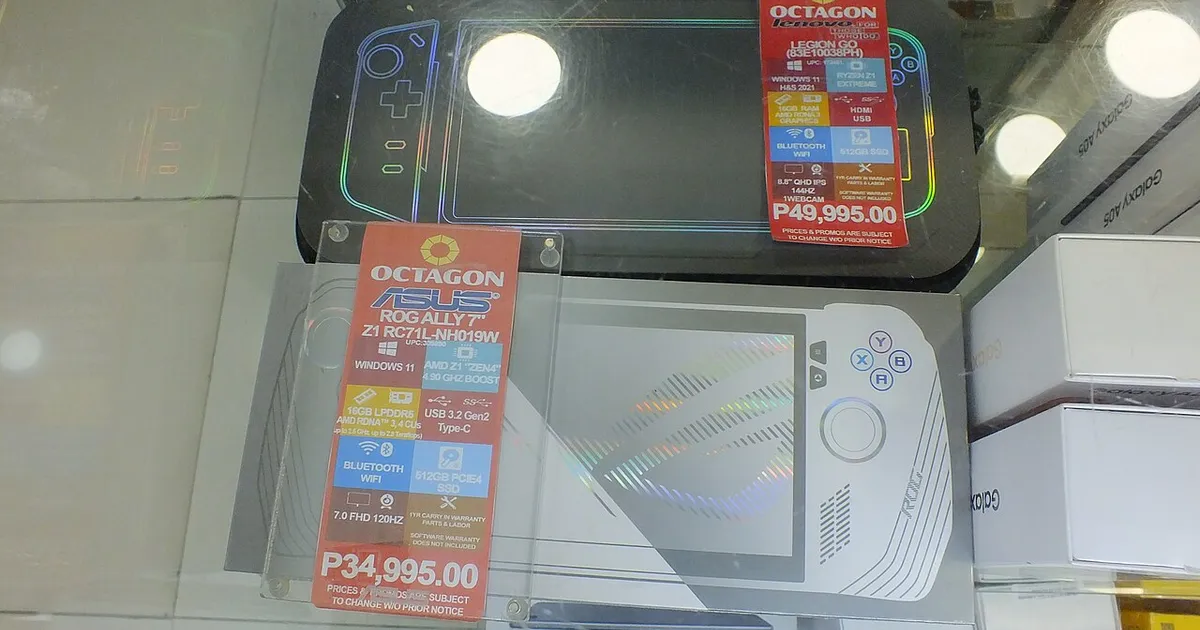
Photo by Wide Awake! / Wikimedia Commons / CC BY 4.0
Legion Go’s detachable controllers and larger screen make it a little different to set up and protect than a more conventional handheld. A few early decisions make ongoing ownership noticeably smoother.
Protecting the Screen and Detachable Controllers
Because Legion Go has a bigger screen than many competing handhelds, it’s also a larger, more exposed surface to scratch or crack if it’s tossed in a bag unprotected. A screen protector and a case sized specifically for the device’s dimensions are worth buying immediately rather than waiting. Pay attention to the detachable controllers specifically — since they separate from the main unit, they’re more prone to getting lost or scuffed if you don’t have a case with dedicated storage for them, so look for a case designed around the detachable design rather than a generic handheld sleeve.
Storage Expansion
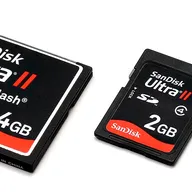
As with other Windows handhelds, internal storage fills up quickly with modern PC game installs, and a microSD card is a straightforward way to expand capacity after purchase. Decide early whether you’ll primarily play a rotating set of games or keep a large permanently-installed library, since that affects how much you’ll lean on expanded storage versus reinstalling games as needed.
Docking and Connecting to a TV or Monitor
Because Legion Go runs full Windows, it can typically output to an external display through a compatible cable or dock, similar to connecting a laptop to a monitor. This turns the handheld into more of a hybrid device — useful if you want the option of playing on a bigger screen at a desk or in front of a TV without owning a separate gaming PC. If a big-screen setup matters to you, check which connection standard your specific unit supports and make sure any dock or cable you buy is compatible, since not all cables support both video output and charging simultaneously.
Software Tweaks Worth Making Early
A handful of early software adjustments tend to pay off across your whole ownership period:
- Install available system and driver updates before diving into extended play sessions, since early updates often address handheld-specific performance and battery issues.
- Set up a per-game performance profile system if the software supports it, so you’re not manually adjusting power settings every time you switch games.
- Review and disable unnecessary startup programs and background services, which is a common source of unexpected battery drain and stutter on any Windows handheld.
- Familiarize yourself with the controls for switching between the built-in interface and the full Windows desktop, since you’ll likely move between the two depending on whether you’re gaming or doing something else.
Bottom Line
A case built for Legion Go’s detachable-controller design, a microSD card, and a few software tweaks in the first week cover most of what new owners end up wishing they’d done sooner. Beyond that, treat additional accessories — docks, extra chargers, controller grips — as purchases to make once you know your actual usage pattern rather than day-one essentials.
Our picks: Legion Go
Shop on Amazon
Affiliate links.As an Amazon Associate I earn from qualifying purchases. Links below go to Amazon; prices and availability change, so check Amazon for current pricing.Affiliate disclosure
Illustrative photos: Photo by TaurusEmerald / Wikimedia Commons / CC BY-SA 4.0; Photo by Wide Awake! / Wikimedia Commons / CC BY 4.0; Photo by Evan-Amos / Wikimedia Commons / Public domain